Solitaire
North America, since the 1890s
The classic single-player game. A calm game for one, at your own pace.
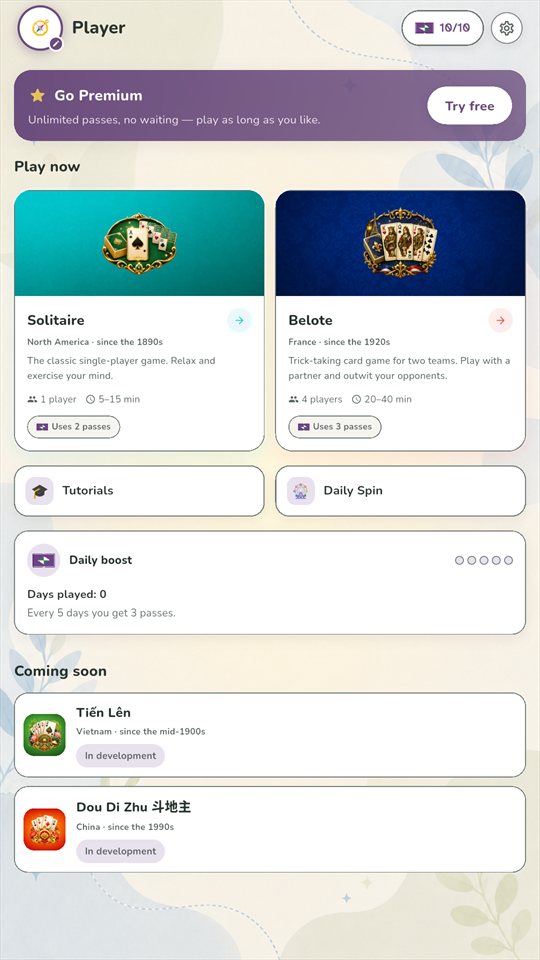
Solitaire, Belote, more on the way
Play at your own pace, with calm colours, fonts that are easy to read, and motion you control. Free to download on Android and iOS.
No account needed to start. Tap Play without login and deal.
The games
Each game comes from a different corner of the world, with its own rules and history.
North America, since the 1890s
The classic single-player game. A calm game for one, at your own pace.

France, since the 1920s
Trick-taking card game for two teams. Play with a partner and outplay your opponents. The other three seats are played by the computer.
Vietnam, since the mid-1900s
A shedding game. Be the first to play all your cards.
In development
China, since the 1990s
One player takes the landlord role and plays alone against the other two, who team up.
In developmentAccessibility
Accessibility settings are part of the app from the start. Set them once and every game follows.
Try it here
How to play Solitaire
Build four piles, one for each suit, from Ace up to King. In the columns, stack cards downwards in alternating colours.
A preview of three of the display settings. The app has more.
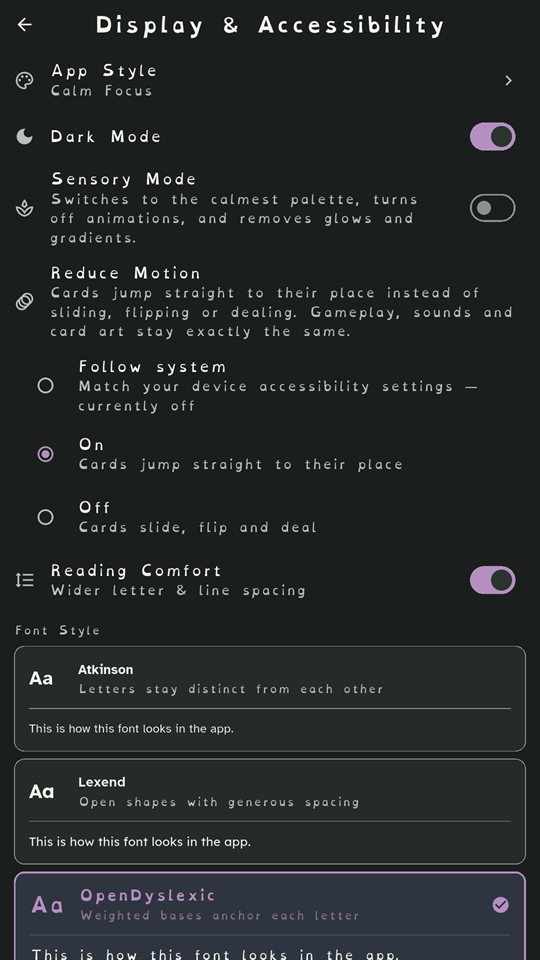
One switch for the calmest palette, no animations, and no glows or gradients.
Cards jump straight to their place instead of sliding, flipping or dealing. Gameplay, sounds and card art stay exactly the same.
Wider letter and line spacing, everywhere in the app.
Atkinson Hyperlegible, Lexend, OpenDyslexic, Inter and Nunito.
Scale all text from 0.85× up to 1.5×.
Calm Focus, with muted plum and soft gold, or Vibrant, with bold violet and orange.
Make it yours
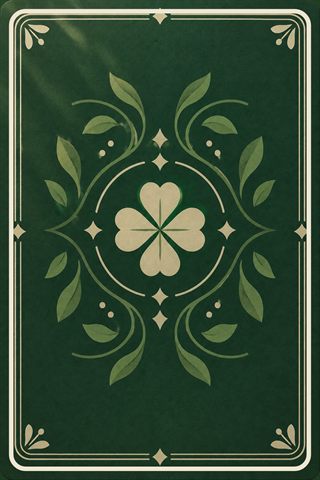
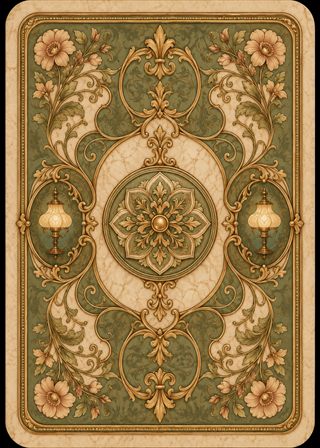
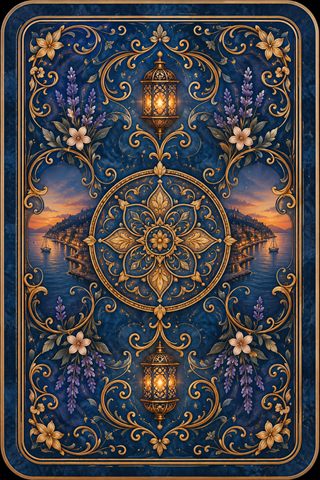
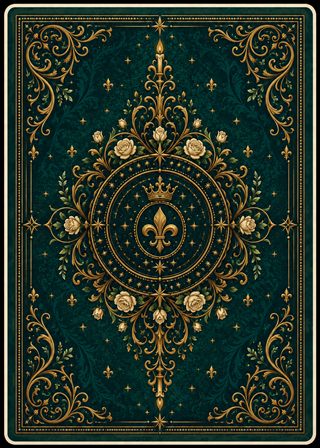
Illustrated card backs and table felts, plus two plain designs made for Sensory Mode.
 Explorer
 Inventor
 Robot
Robot Crystal Guardian, Premium
 Deep-Sea Diver, Premium
Free to play
Unlimited passes, no waiting. Play as long as you like.
Billed by Google Play or the App Store. Auto-renews, cancel anytime in your store account settings.
Switch at any time in the app.
Sign in and your games, stats and Passes follow you from one phone to the next.
Play as a guest straight away. Guest games stay on the device you play them on.
FAQ
Yes. MindyCards is free to download and play. Each game uses a few Passes, which refill over time. Premium is an optional subscription that gives unlimited Passes, removes ads, and adds exclusive avatars, card backs and table felts.
No. Tap Play without login to play as a guest. Guest games stay on that device. Create an account if you want your games saved across devices.
English, Arabic, French and Spanish. You can switch in the app at any time.
Subscriptions are billed by Google Play or the App Store, so you manage or cancel them in your store account settings. Deleting your MindyCards account does not cancel a subscription.
In the app, open Settings → Account → Delete account. If you can no longer sign in, you can ask us by email instead. The account deletion page explains both ways, and what is deleted.
Email [email protected].
MindyCards is free on Android and iOS.